
Organization
The widget Organization provides all information on the organization.
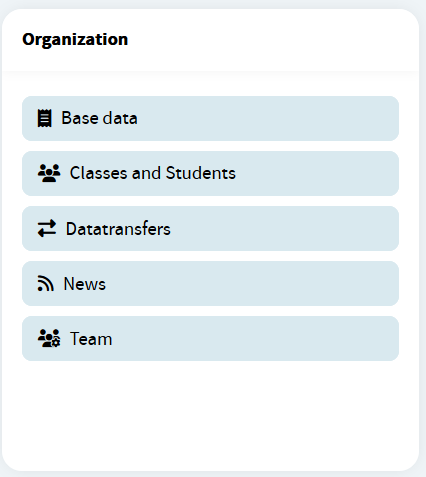
By default the following options are available:
Base data
MoreThe organization master data is displayed in the Base data option of the Organization widget. The data of all Austrian schools is imported from the central register schulen-online. The data of education directorates, teacher training colleges and Austrian schools abroad is maintained directly in the education portal.
Classes and Students
MoreAll pupils and their legal guardians are listed in the classes and students table. External students, who are not regular students at your school but only take an exam, are also included in this table. You can search and filter the table contents.
- Datatransfers
- News
Team
MoreAll employees of the organization are listed in the Team Table. You can use the Send message function to send a message to an employee. Additionally, you can search, sort, and filter the list.
For principals and authorized employees addintionally the following options are available:
Affiliations
MoreWith the custom Affiliations feature, principals and authorized employees can assign any person a role at the school, provided that this person cannot be imported automatically from one of the upstream systems of the education portal. Before using this feature, please check that the person cannot be created and assigned to your school automatically and that there is no problem with the data synchronization. If in doubt, please contact Our support team before using this feature.
Applications
MorePrincipals and education portal admins can make applications available in the Applications widget on the dashboard for individual users or groups (e. g. all pupils, all teachers, etc.). Single Singn On (SSO) for the corresponding application is then available for these users and associated widgets are also displayed on the users' dashboards.
Please note that access to some applications is also managed centrally by the Federal Ministry of Education.Broadcast
MoreThe feature Broadcast messages allows principals and authorized employees to send messages to the organization users. Broadcast messages are a one-way communication channel. Replies or discussions are not intended. It is also possible to create templates for future use that can be sent quickly.
Assign roles
MoreThe principal has all organizational management capabilities by default. However, he or she can assign different roles to employees, so that one team is responsible for news, another is responsible for managing pictures and so on.
- Features
- Interfaces
Managing static links
MorePrincipals and authorized employees can provide a list of websites and web applications for the organization's users. This list of static links will be displayed on the dashboard in a separate widget Static Links. They can provide specific lists depending on the user's role in the organisation i.e. for students, teachers, legal guardians and principals.
Statistics
MoreThe statistics display how many users of your organisation have been assigned an area-specific personal identifier (bPK). The users are grouped by their specific role in your organisation.
- User pictures