
Kann ich die Anzahl der angezeigten Vornamen reduzieren?
Das Bildungsportal bezieht seine Daten aus offiziellen Registern. Daher werden alle Vornamen einer Person im Bildungsportal synchronisiert. Es ist möglich, die Anzahl der angezeigten Vornamen im Bildungsportal und angebundenen Anwendungen zu reduzieren.
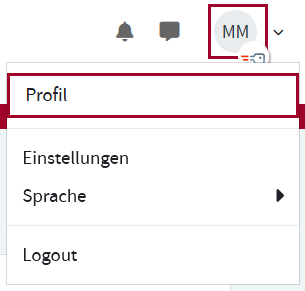
Um die Anzahl der angezeigten Vornamen zu ändern, klicken Sie rechts oben im Profil-Menü auf Profil.
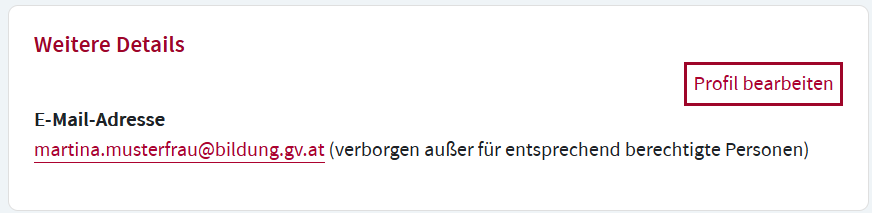
Klicken Sie im Abschnitt weitere Details auf die Option Profil bearbeiten.
Deaktivieren Sie im Abschnitt Angezeigter Vorname die Vornamen, die Sie nicht anzeigen möchten und klicken Sie auf das Speichern Symbol.

Die Namensbestandteile werden anhand von Bindestrichen und Leerzeichen getrennt. Der erste Namensbestandteil kann nicht abgewählt werden, ebenso kann die Reihenfolge nicht verändert werden.