How to use broadcast templates
Note: You can only use this feature if it has been activated.
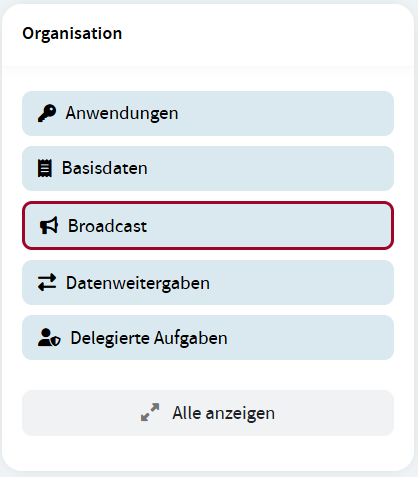
To open broadcast templates click the Broadcast menu item in the Organization widget.
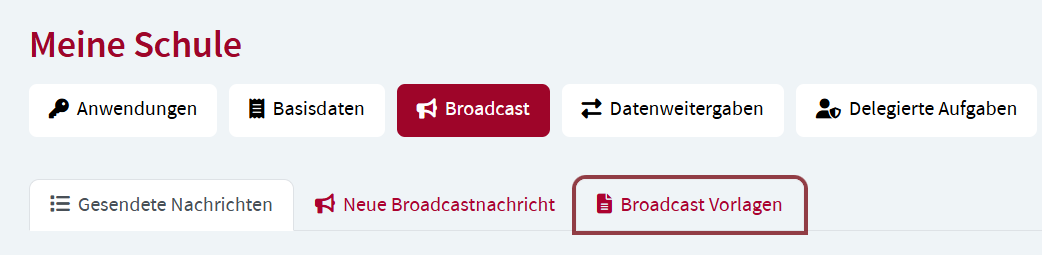
Select the Broadcast templates option.
Create a template
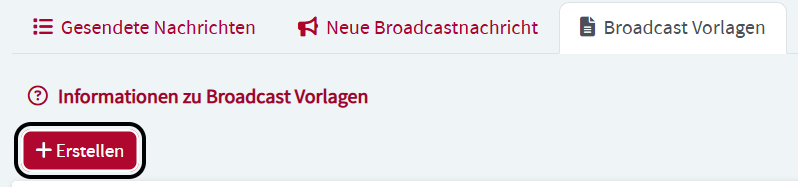
To create a template, click the Create button.
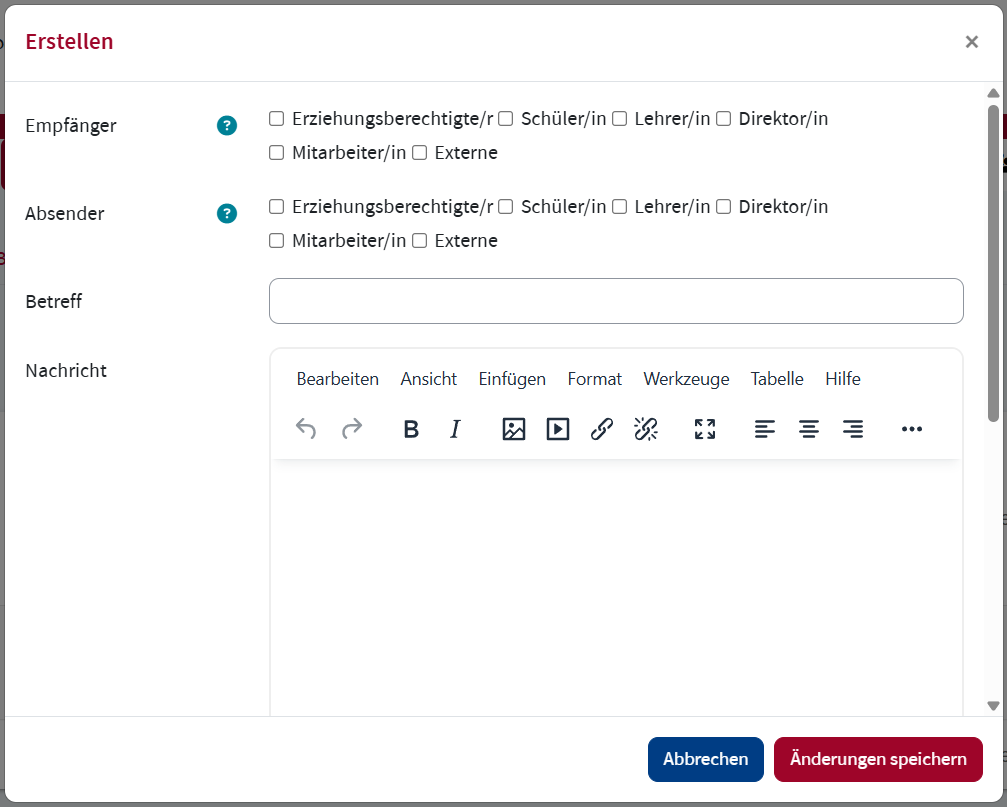
In Recipients select all roles that should receive the broadcast message. In Senders select all roles that should be able to send the broadcast message. Add a Subject and Message. You can also upload Attachments. Click Save changes to save the broadcast template.
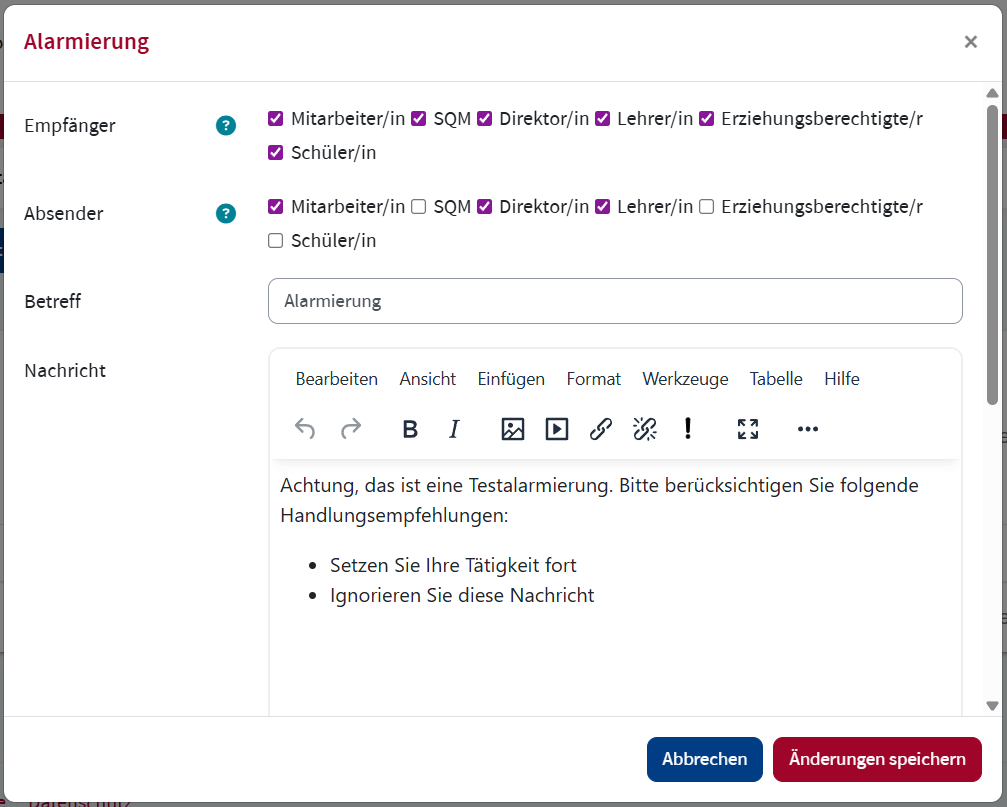
The template is available to all authorized roles for sending in the Broadcast templates widget on the Dashboard.
Edit a template
To edit a template, click the edit icon of the template you would like to edit.

Edit the corresponding fields and click Save changes.
Delete a template
To delete a template, click the edit icon of the template you would like to delete.
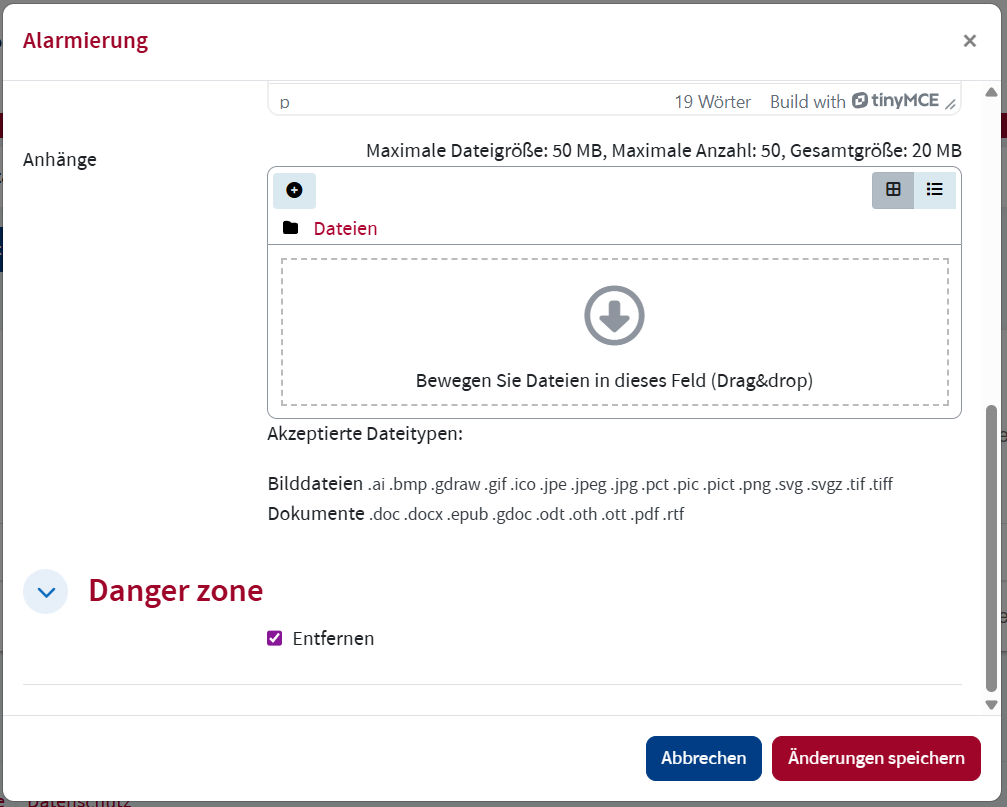
Scroll to the Danger zone and check the Remove box. Click Save changes.