Information on user consents
Depending on the respective configuration of applications by the Federal Ministry of Education, the consent of the user may be a prerequisite for the transfer of personal data to an application.
Depending on the selected setting, this consent can be granted or revoked by the school or by the users or their legal representatives. If a school records the consent for the users, it is recommended to enter the basis on which the consent was given as a comment (e.g. "Written consent by legal guardian, document filed in the office"). This increases the traceability of how the data was passed on.
Manage consent
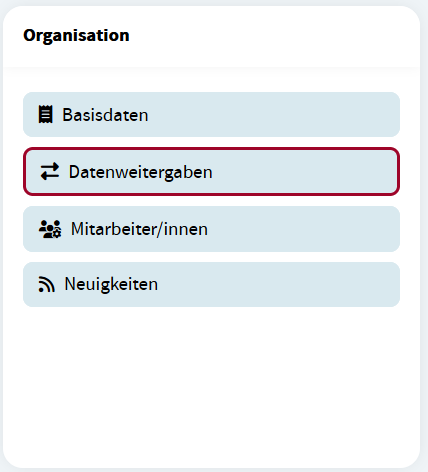
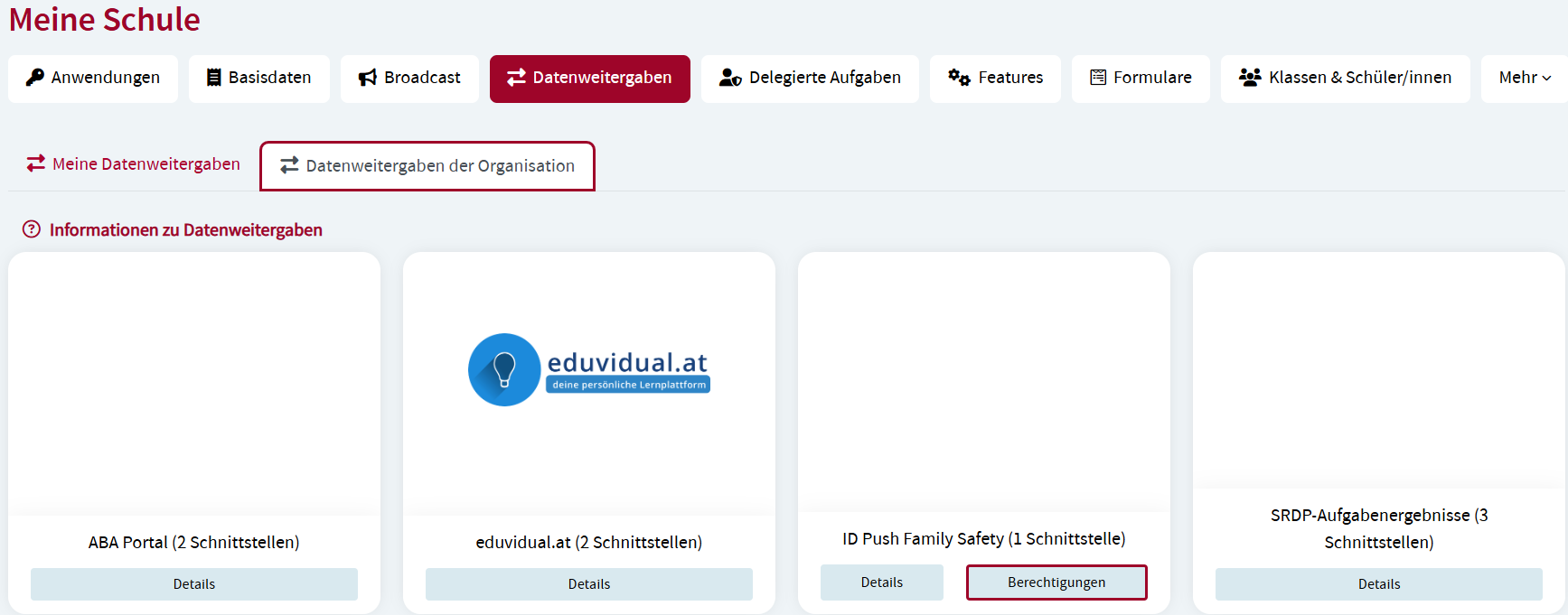
To manage consent to data transfers of applications open the opton Data transfers in the widget Organization on the Dashboard. All applications that use interfaces to transfer data are listed.
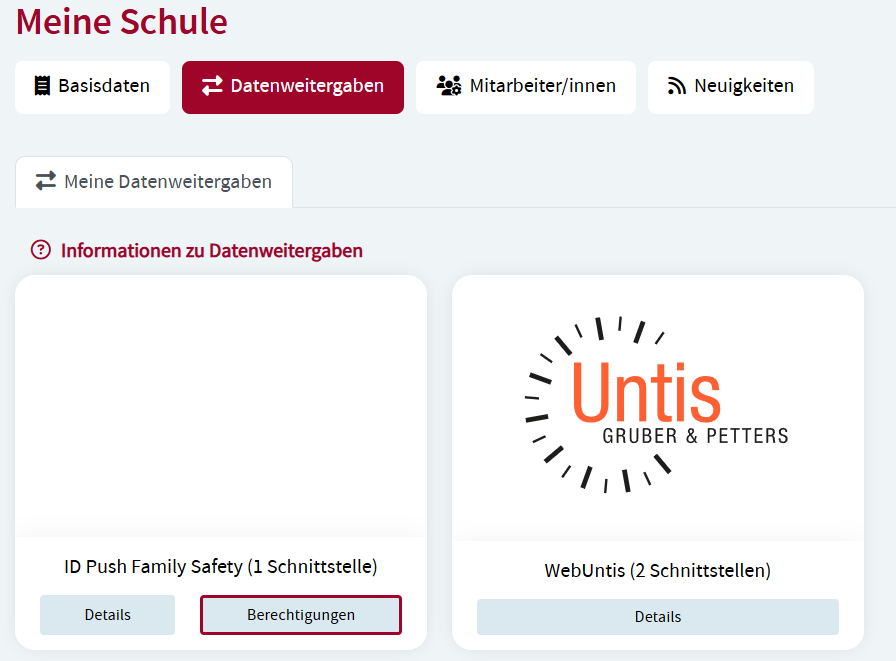
Click Authorizations of the application where you would like to manage the consent of data transfer.
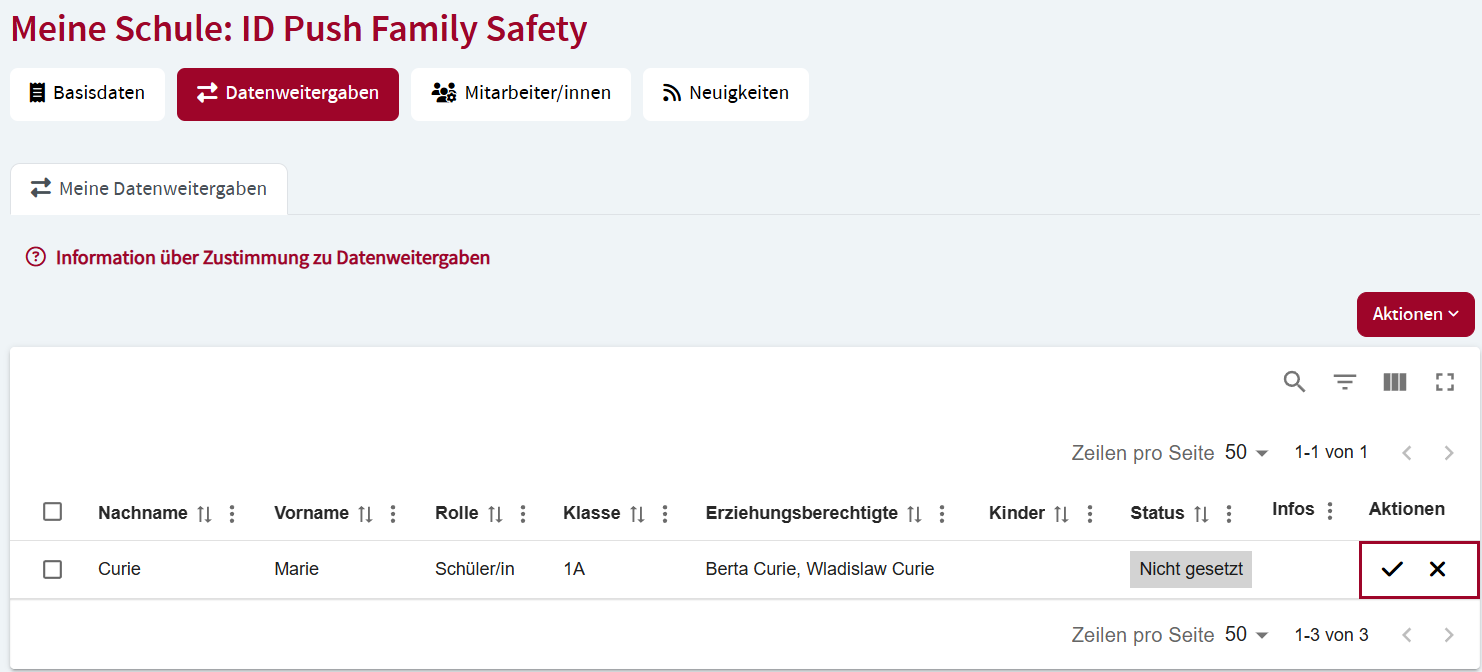
The consent settings are displayed. Click the check mark to grant consent to the correspondig application to transfer data or the cross to revoke consent in the Actions column. Please note that if you do not consent to data transfer, the application might not be available or only available in a limited way.
Manage consent as an organization
Principals and authorized employees can record previously collected analog consent of data transfer in the education portal. Open the option Data transfers in the Organization widget on the Dashboard and switch to the Data transfers organization register. Click Authorizations of the application where you would like to manage the consent of data transfer.
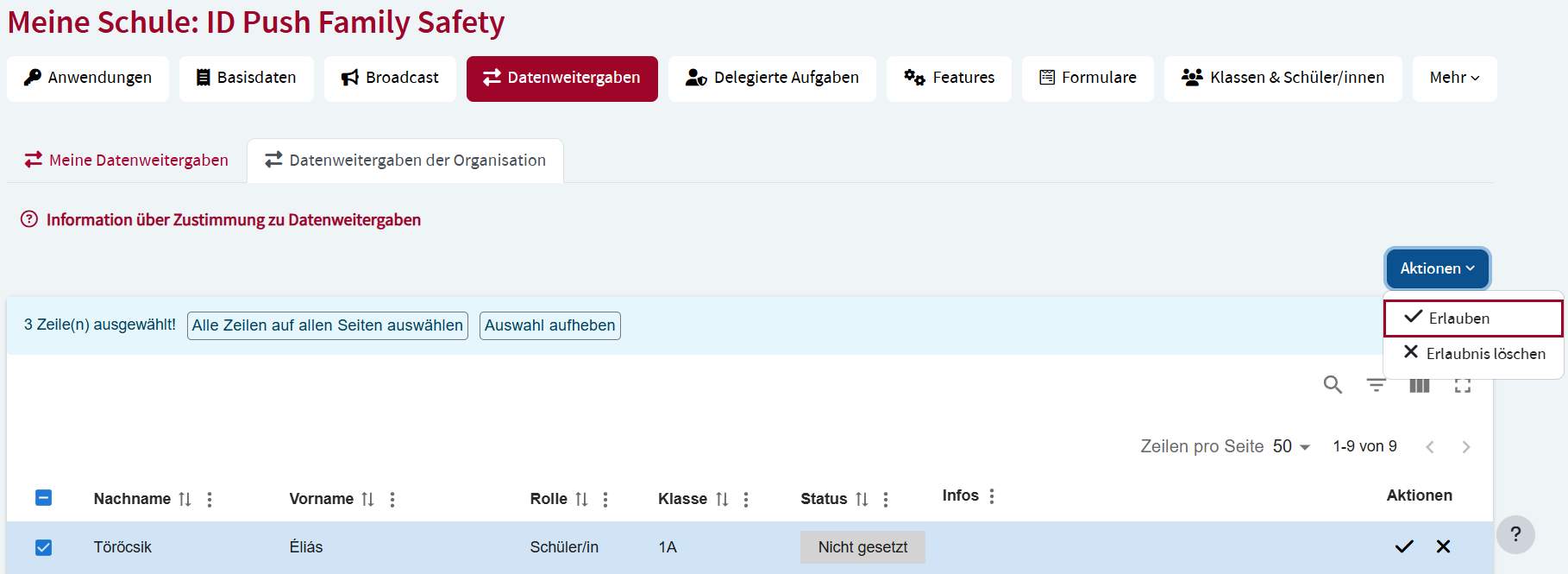
The users of your organization and their consent are listed. Check the boxes of the users you would like to manage the consent for and select the corresponding option in the Actions menu.
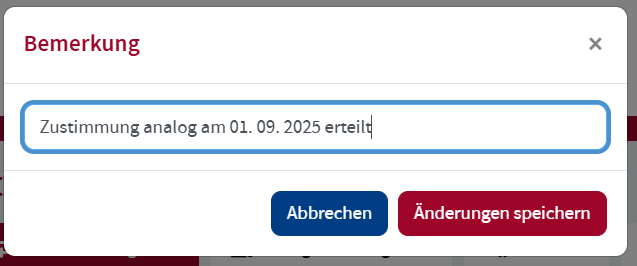
Add a comment on the granted consent to improve transparency and click Save changes.