
How to provide a list of websites and web-applications for your organization's users
Principals and authorized employees can provide a list of websites and web applications for the organization's users. This list of static links will be displayed on the dashboard in a separate widget Static Links. They can provide specific lists depending on the user's role in the organisation i.e. for students, teachers, legal guardians and principals.
The widget is displayed only if at least one link has been added.
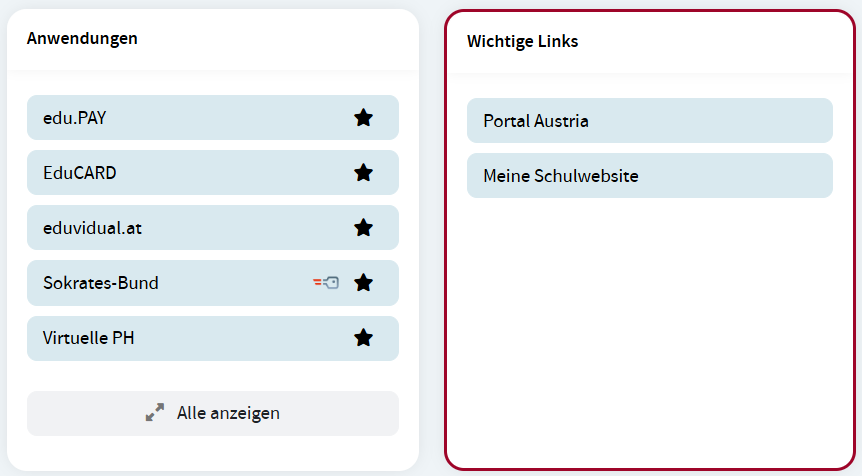
Add links
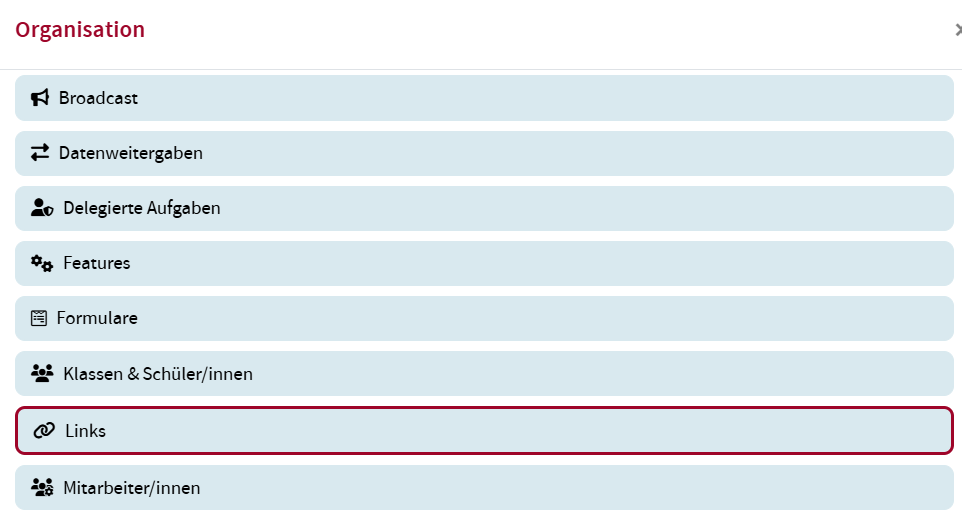
To add a link that should be displayed in the widget, open the Links option in the Organization widget.
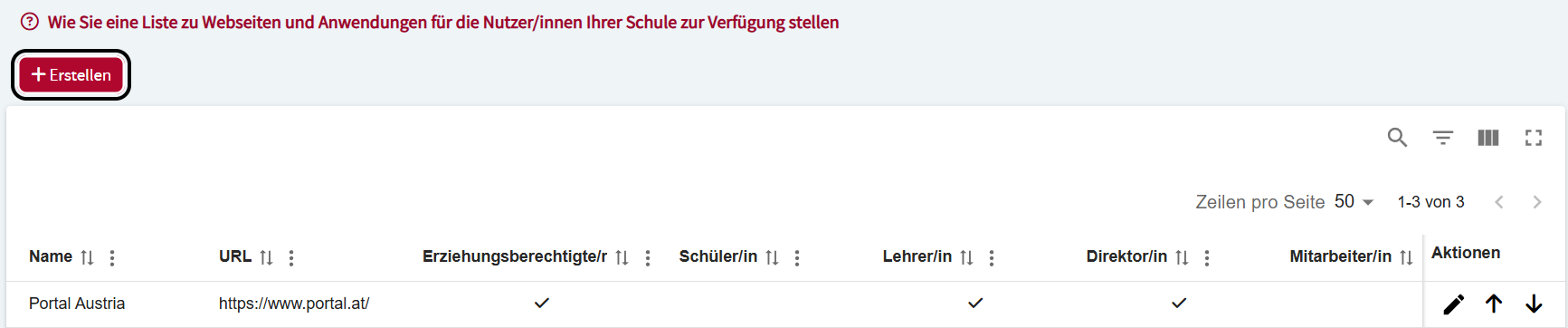
Click the Create button.
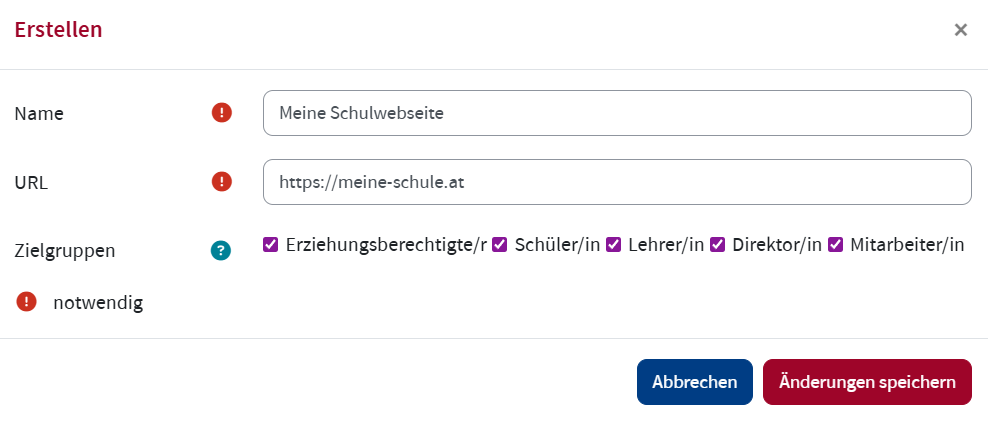
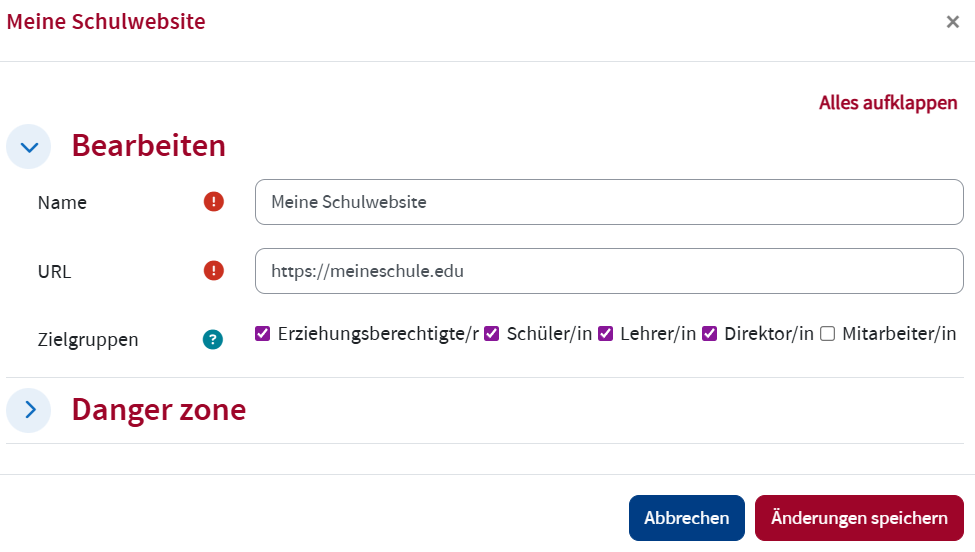
Enter the Name of the website or web-application and the URL. Check the box of the user role to which the link should be displayed. If you do not check any box, the link won't be displayed to anybody. Click Save changes.
Edit links
To edit a link, open the Links option in the Organization widget. Click the Edit icon of the link you would like to edit in the Actions column.

Edit the link and click Save changes.
Remove links
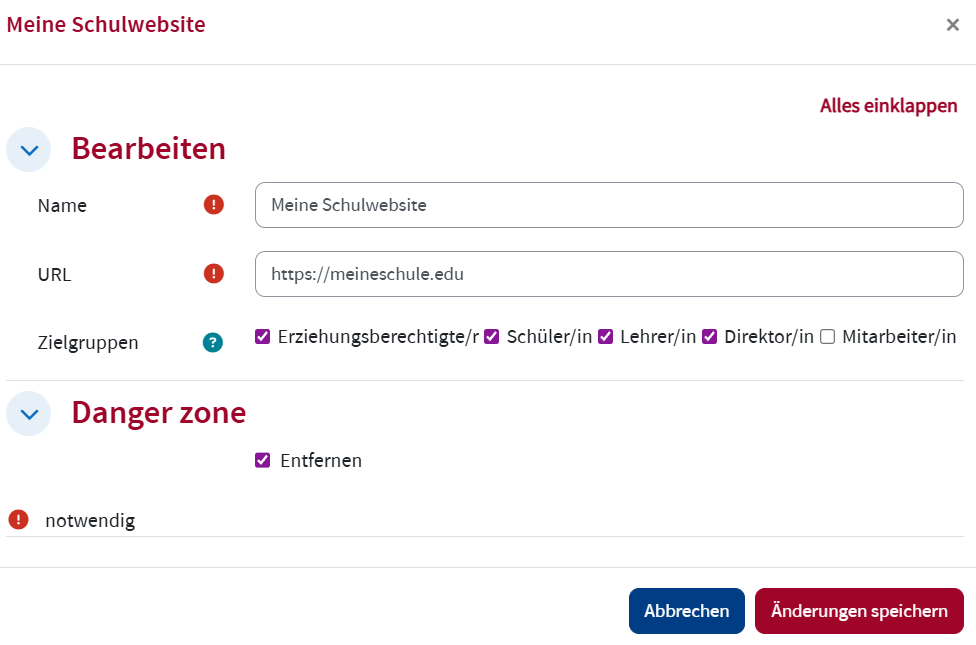
To remove a link, open the Links option in the Organization widget. Click the Edit icon of the link you would like to remove in the Actions column.
Expand the
Reorder links
To put the links in a different order, open the Links option in the Organization. Click the up or down arrow to move the corresponding link.
